
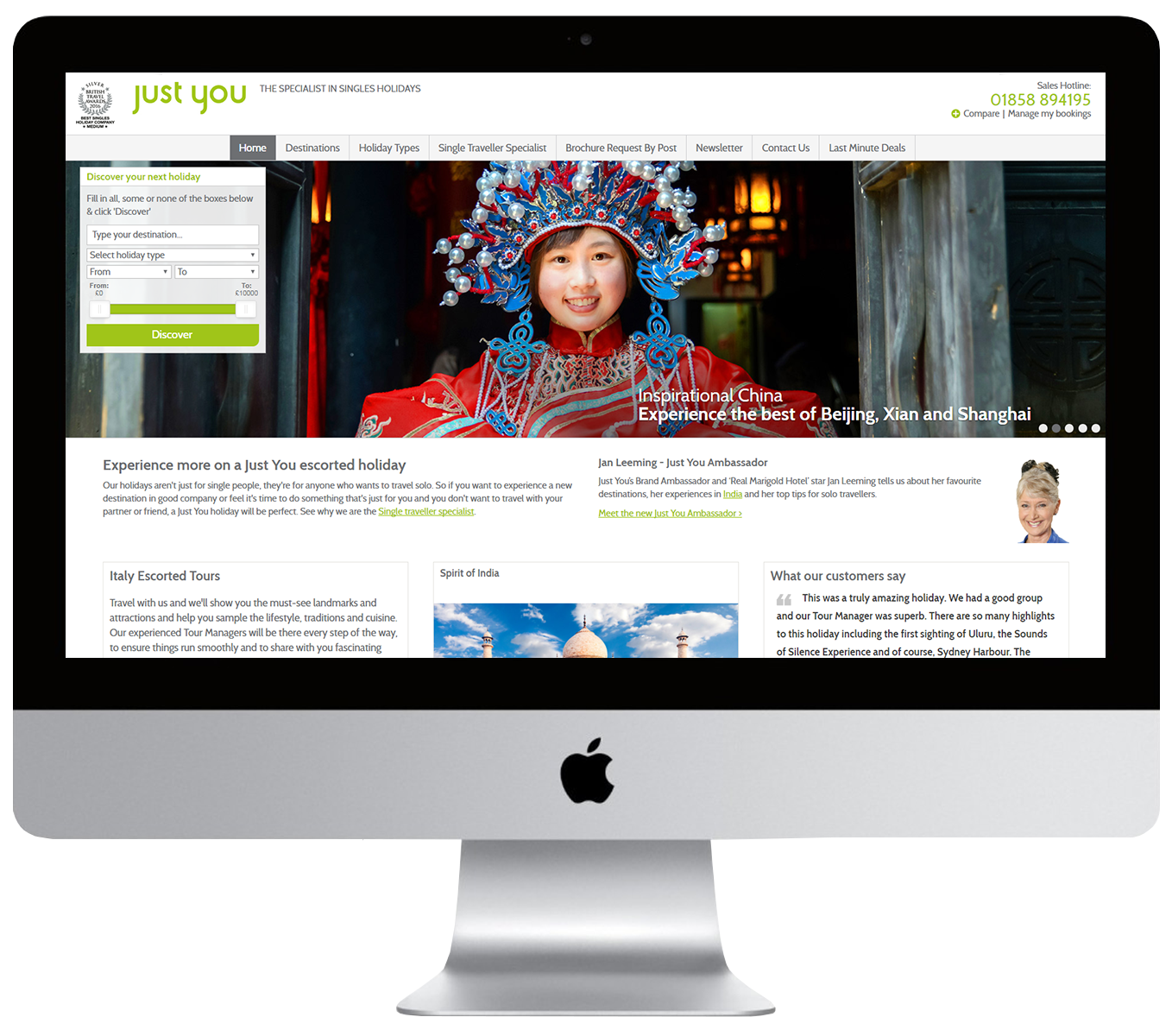
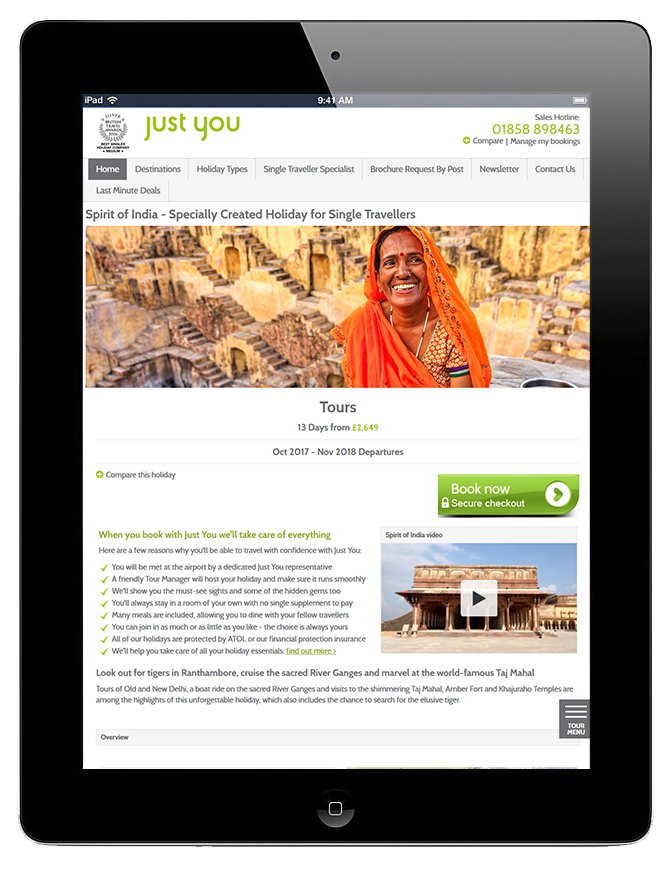
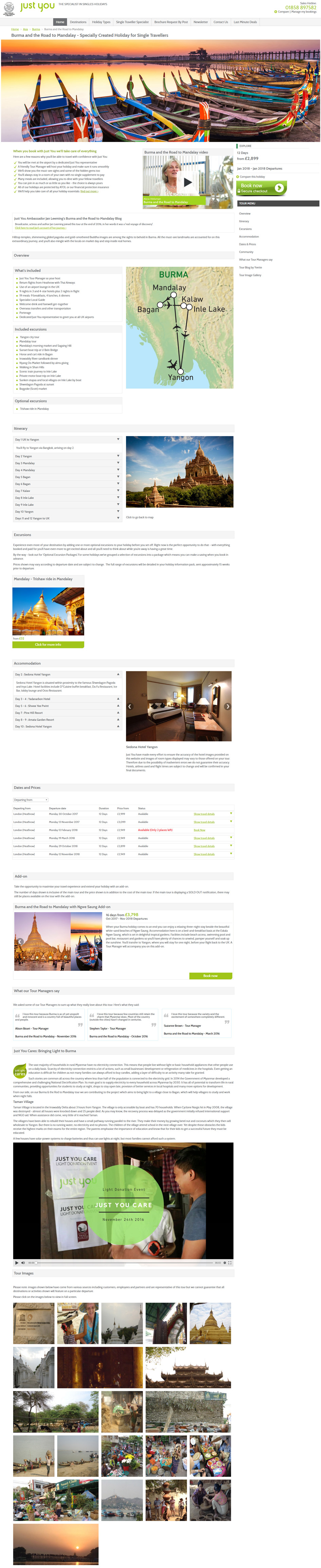
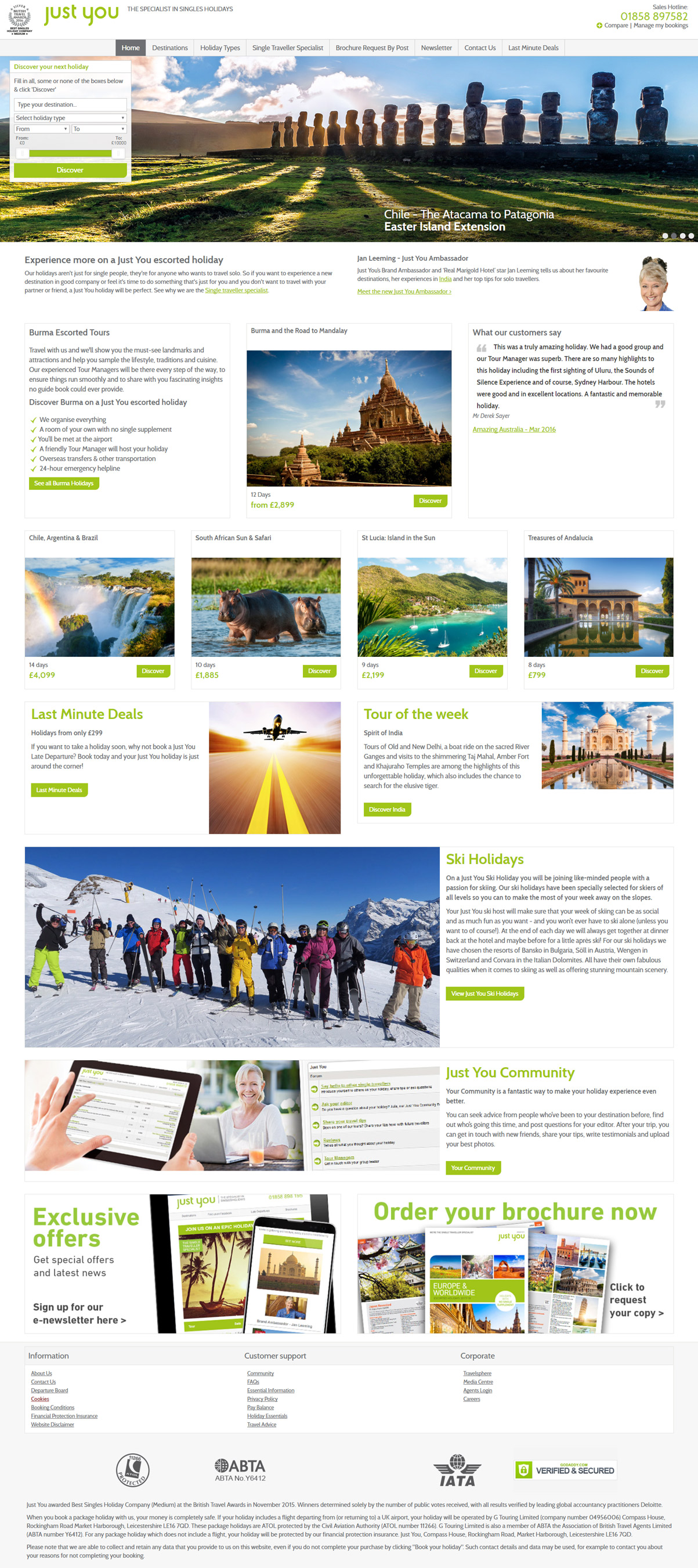
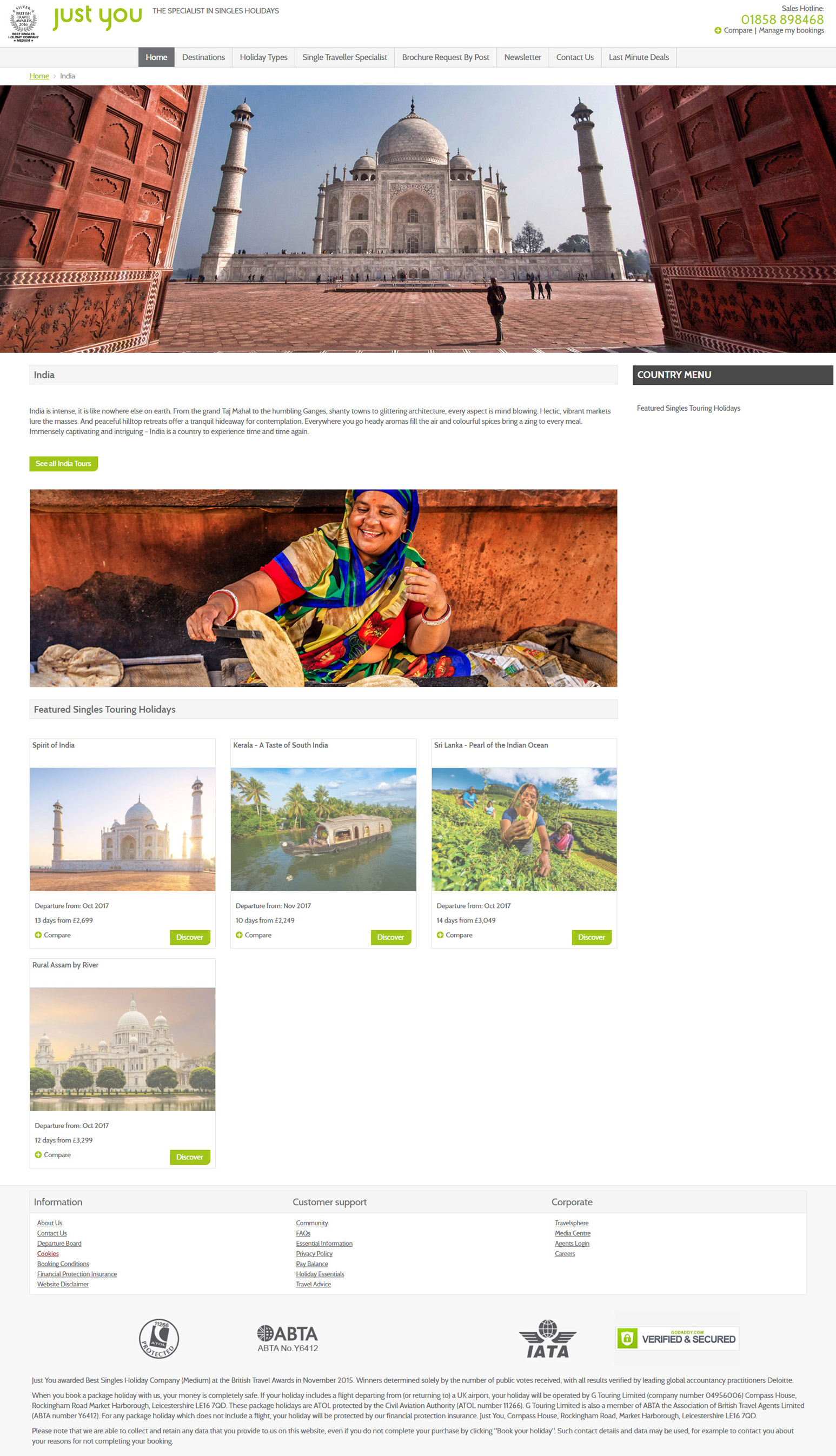
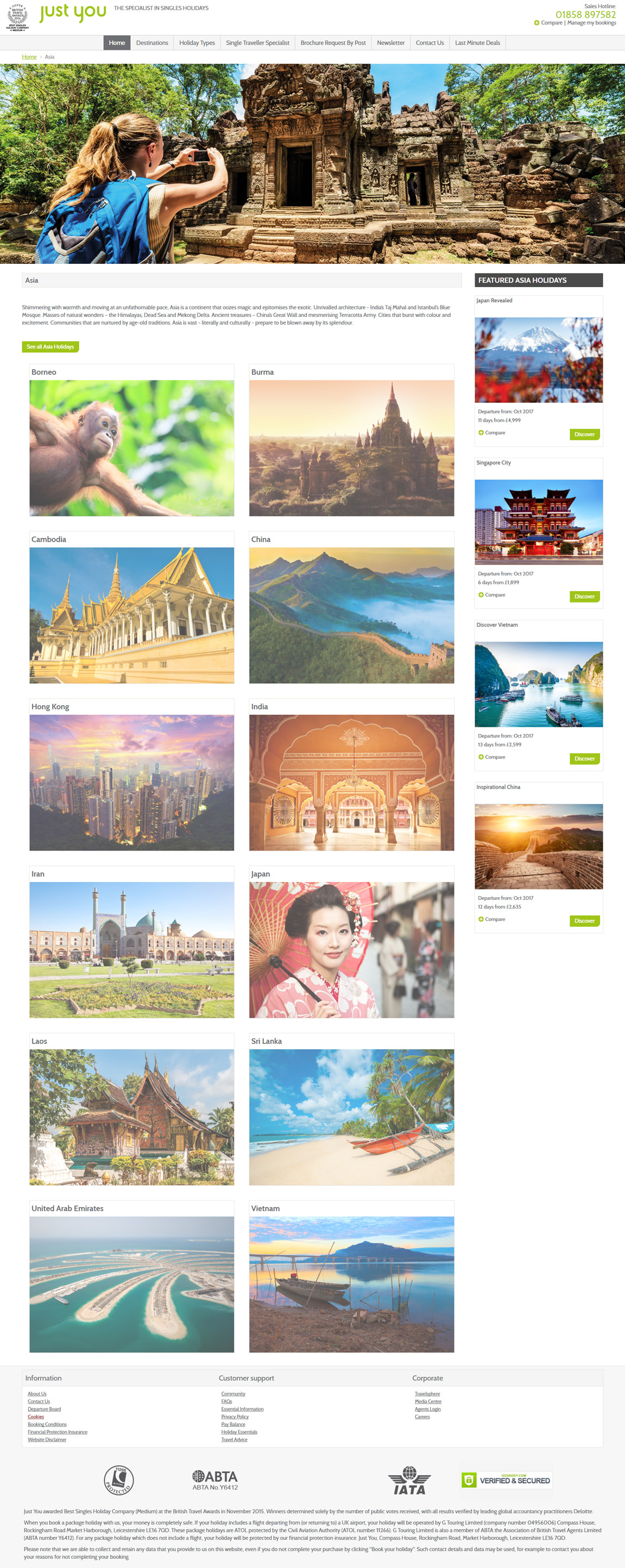
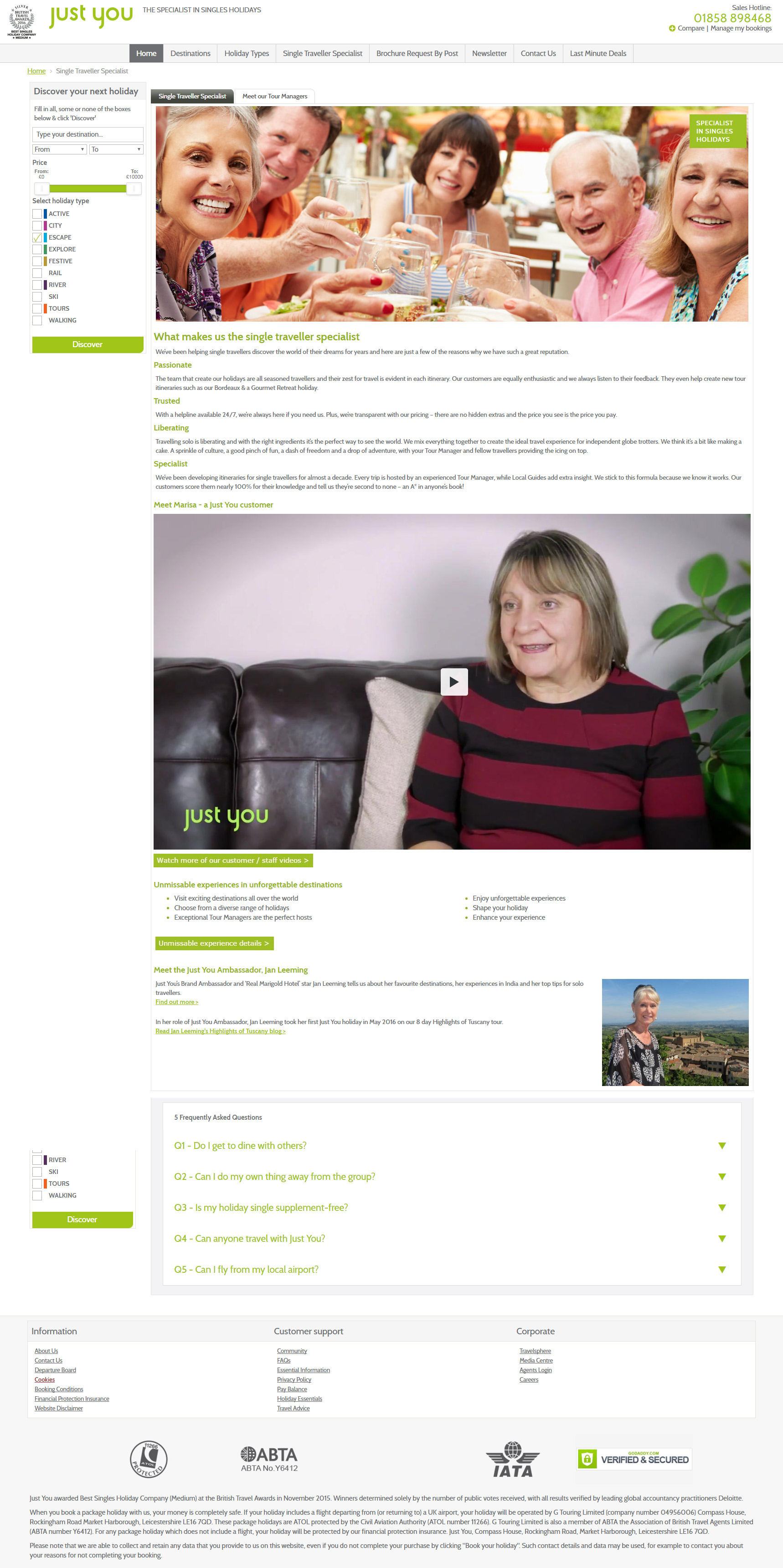
I took the existing site and widened it with css & HTML, making the homepage and tour banners full width instead of a block size and adding new features for a fuller experience.
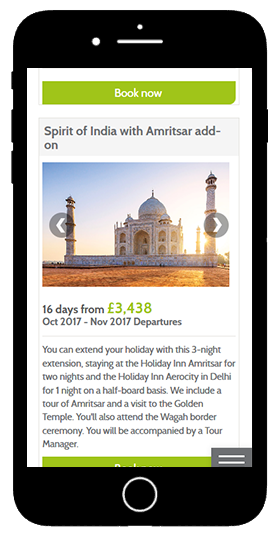
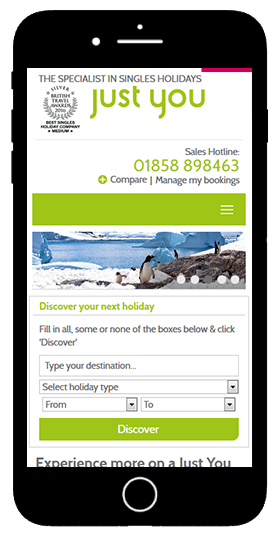
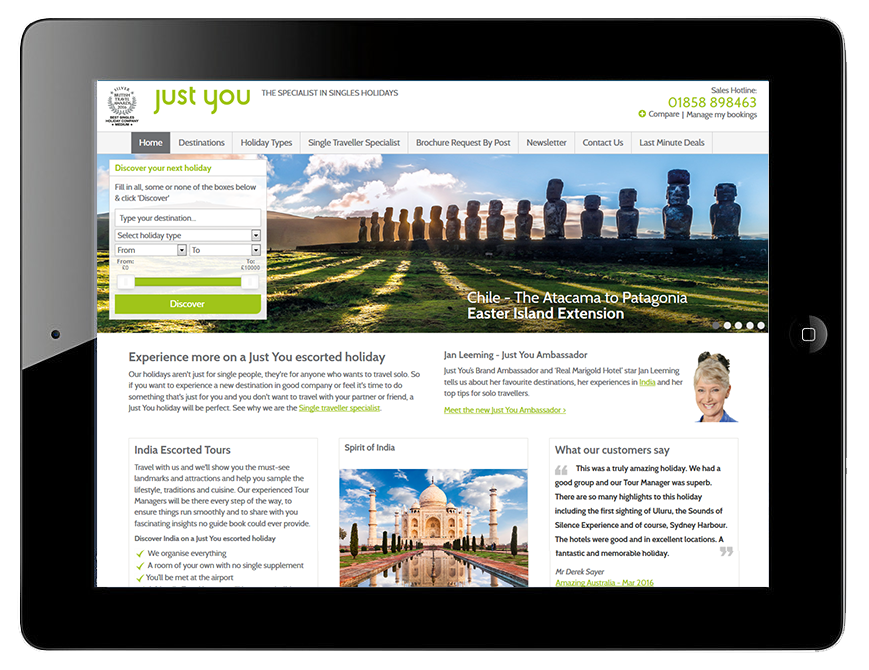


Just You - Site Widening
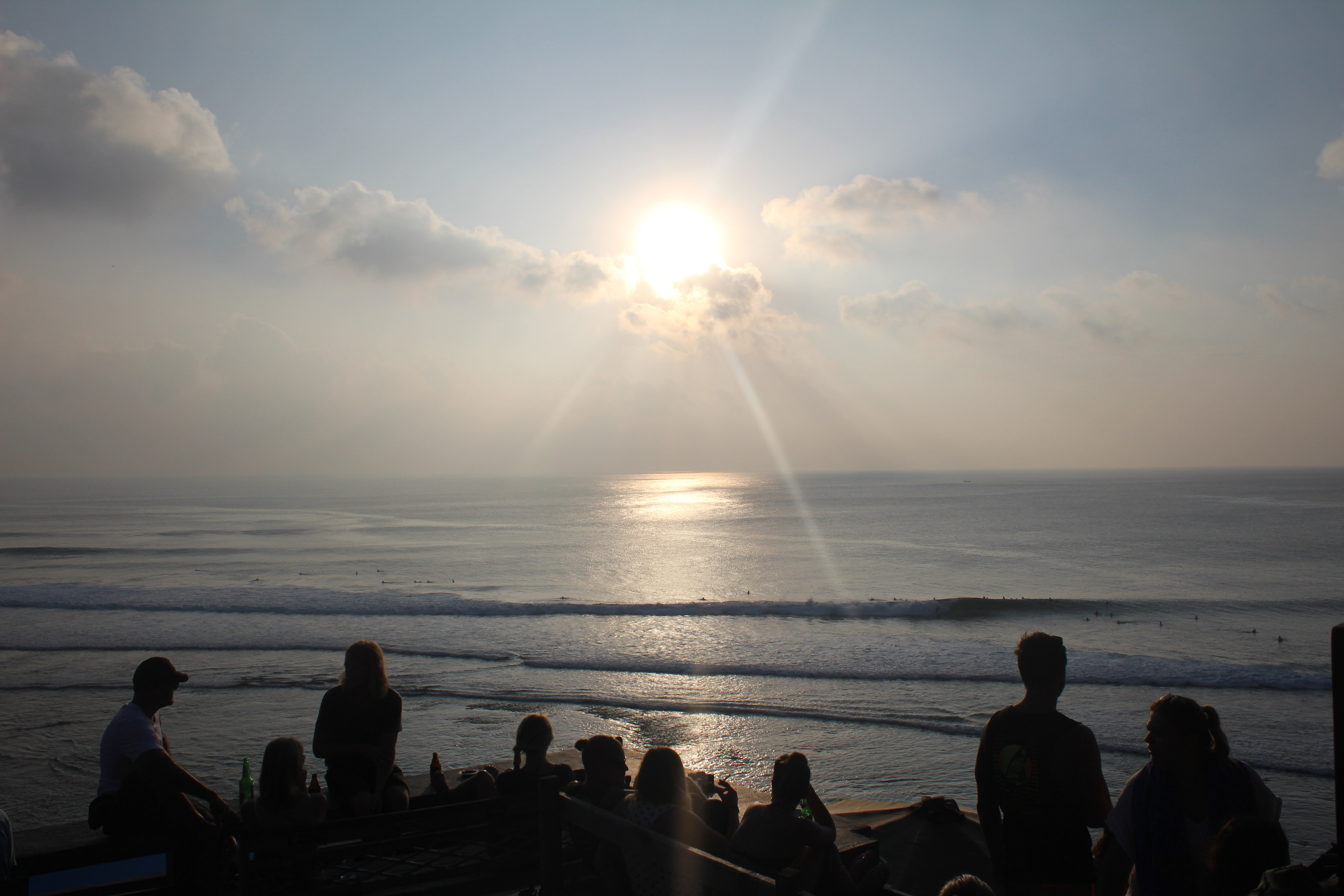
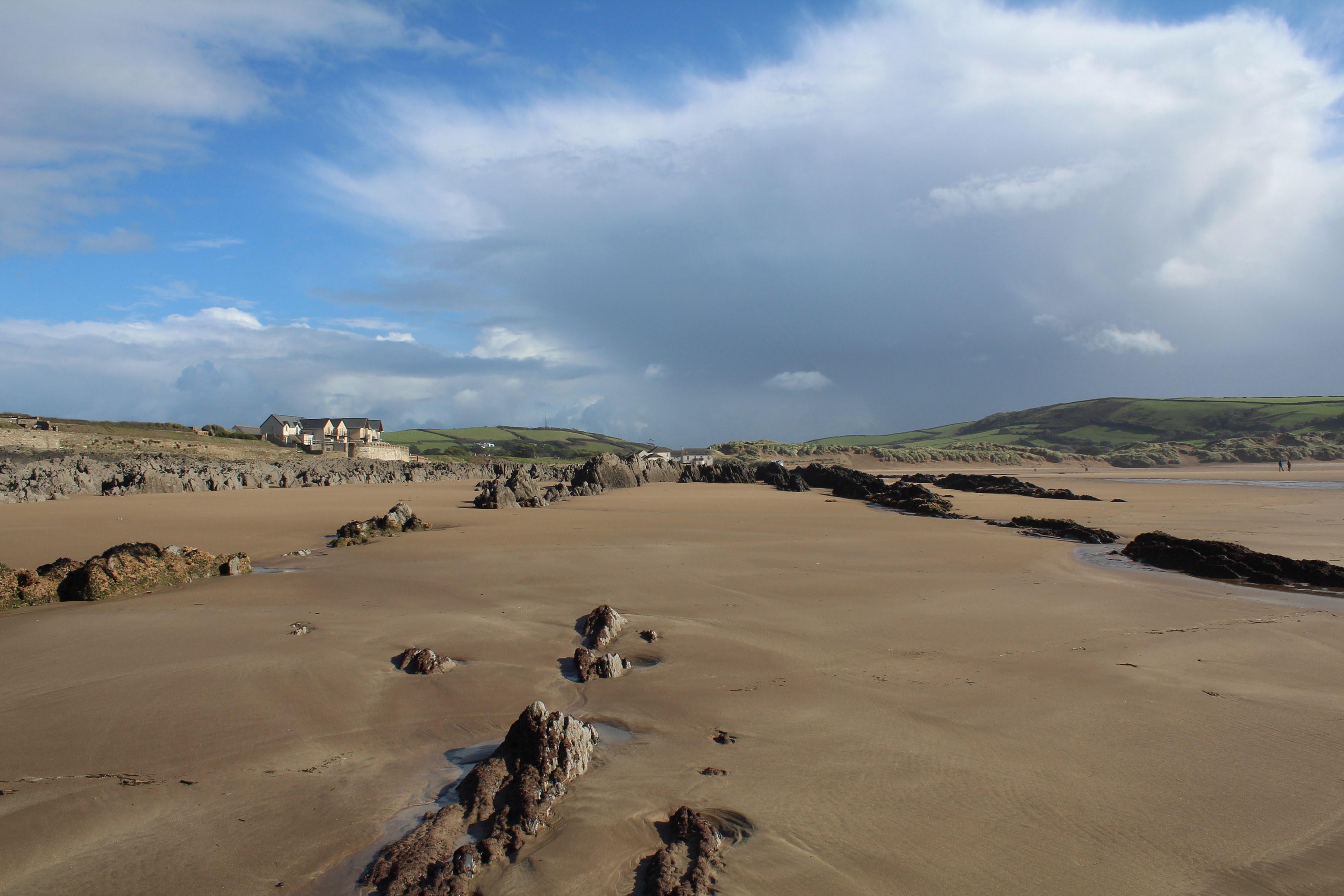
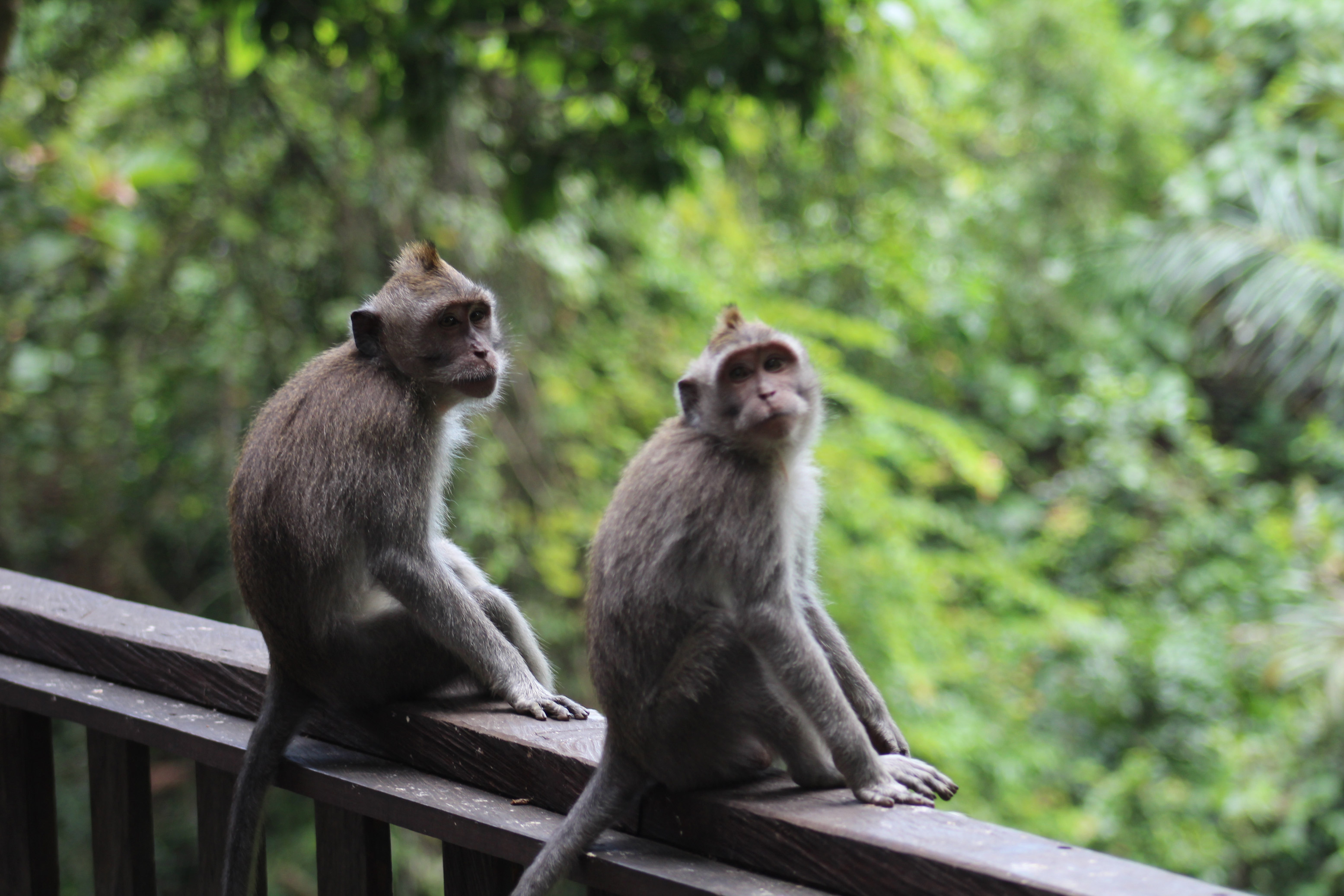
As part of continuing improvement to our site, we decided to make the website full-screen. This was to really immerse the user in their prospective holiday. Using a large emotive banner image to build the initial feeling of the holiday.
I also added a Mega menu to help the user find their destination easily, as well as making the tour page fully scrollable rather than having tabs which were hiding information from users who had not noticed they were there. This way meant you could either scroll down to explore the information, or use the side menu (which follows you down the page) to jump straight there.
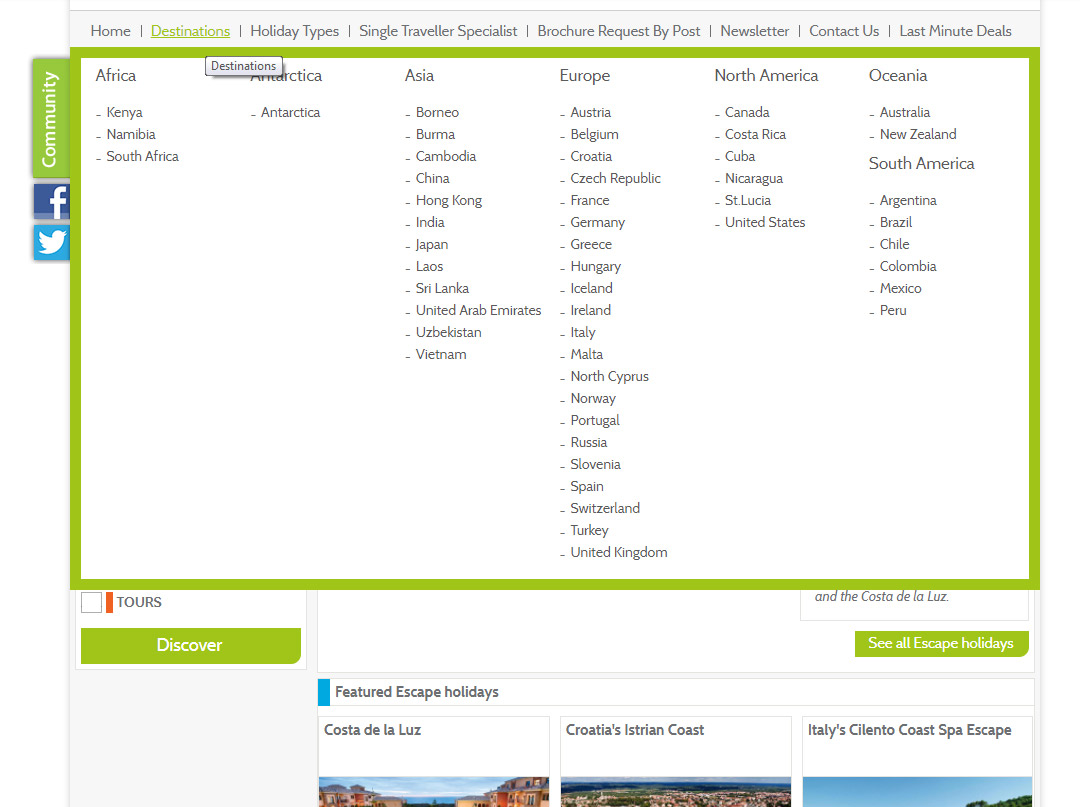
Megamenu
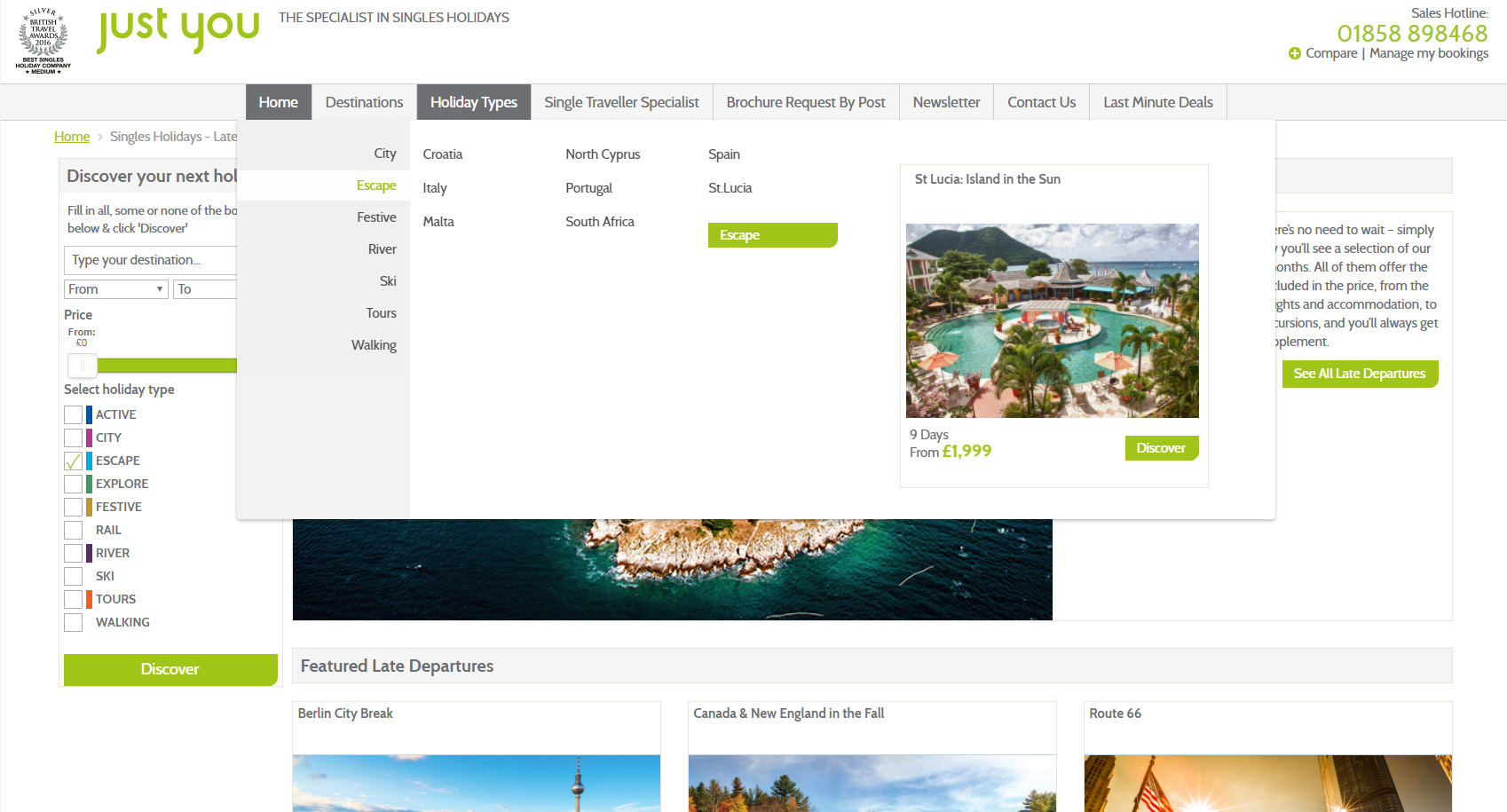
Adding a megamenu allowed us to segment the countries into continents or holiday types. This method means that the user can navigate easily to their desired destination, either to view the entire continent or a specific country.
It also allowed us to add a featured tour, adding a bit of inspiration to the search element.
New styled megamenu
Old style dropdown menu